October 16 Update
I'm continuing the march towards a polished-enough version we can open up to the broader hobby community. Progress so far is promising and steady. My time is slightly limited in terms of hours I can put in each week due to high work and family commitments but my motivation remains steadfast. Thank you all for continuing to send feedback and suggestions as well as bug reports. Every message helps me push forward :)
Painting
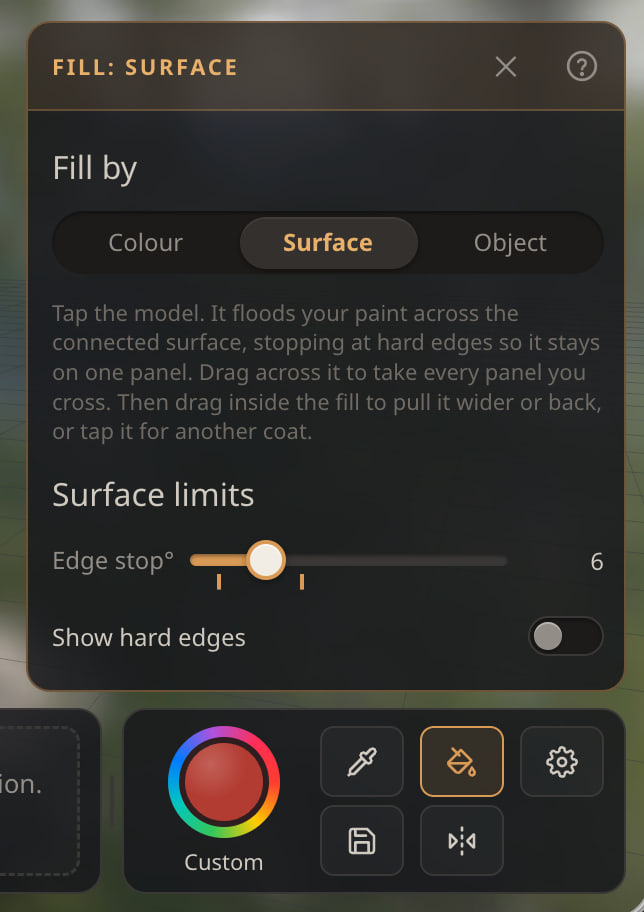
Surface Fill tool can modify the fill after you place it down. You will get little markers under the Edge Stop slider which you can click to modify to fill more or less of the surface. Simply click an area to fill it, then click on the markers under the slider in the panel. You can get the base colors down pretty darn quick now to speed up your painting experiments with less mess.
Surface Fill Edge Stop now runs 0 to 30 so it's easier to modify. Values over 30 generally fill the entire object so were not useful to have in practice.
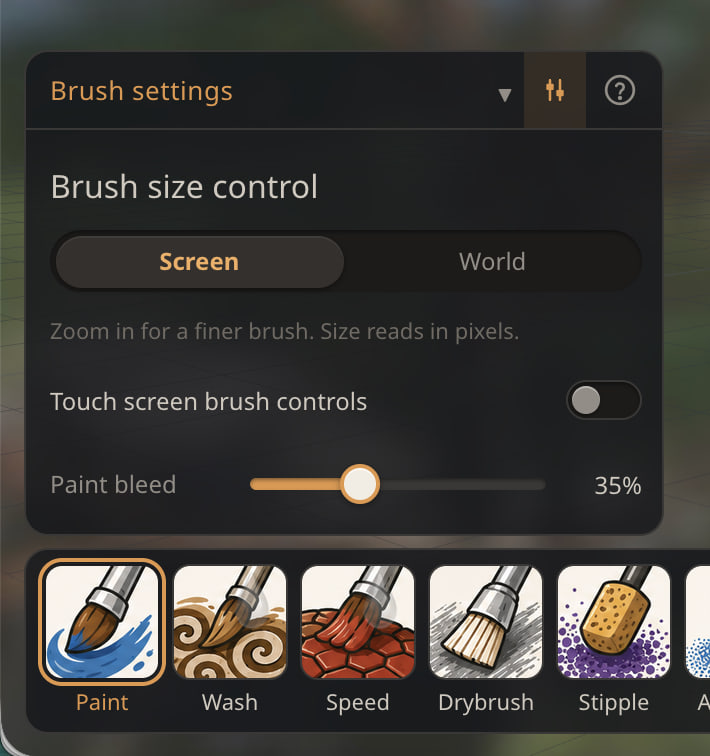
Paint Bleed moved from Debug settings into Brush settings, with a new default of 35%. This may be useful when dealing with really rough areas. (Thanks @Fight4Fries for suggesting I expose this for this purpose. Let me know if it helps).
Bench and panels
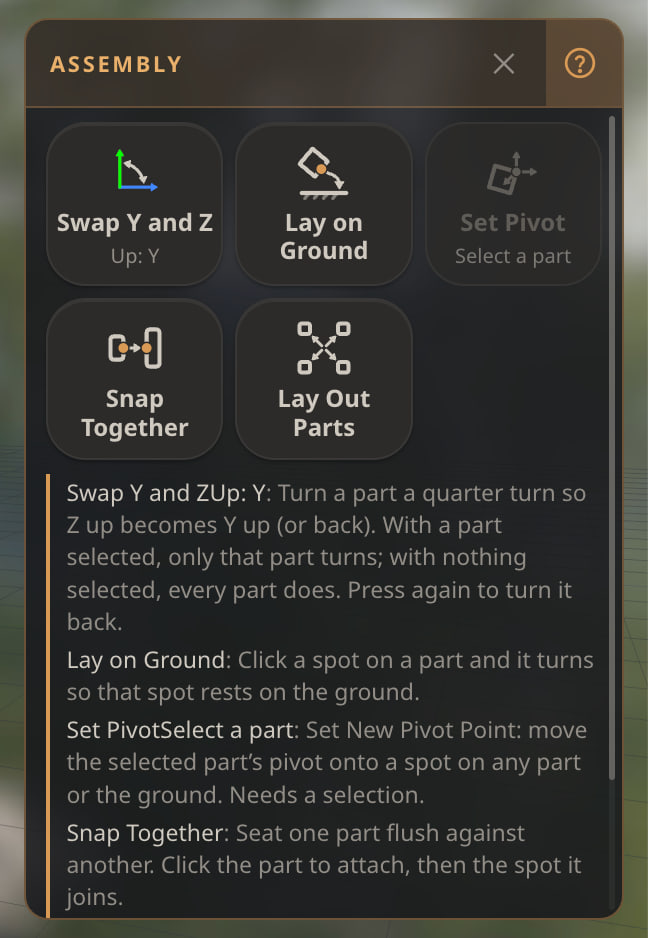
Many panels now have a ? icon. Toggle it on a specific panel and all the tooltips will be displayed directly in the UI in-line. This will help make it easier to look at what each slider does on a touch screen or if you have shaky hands with the mouse and can't easily hover over an element.
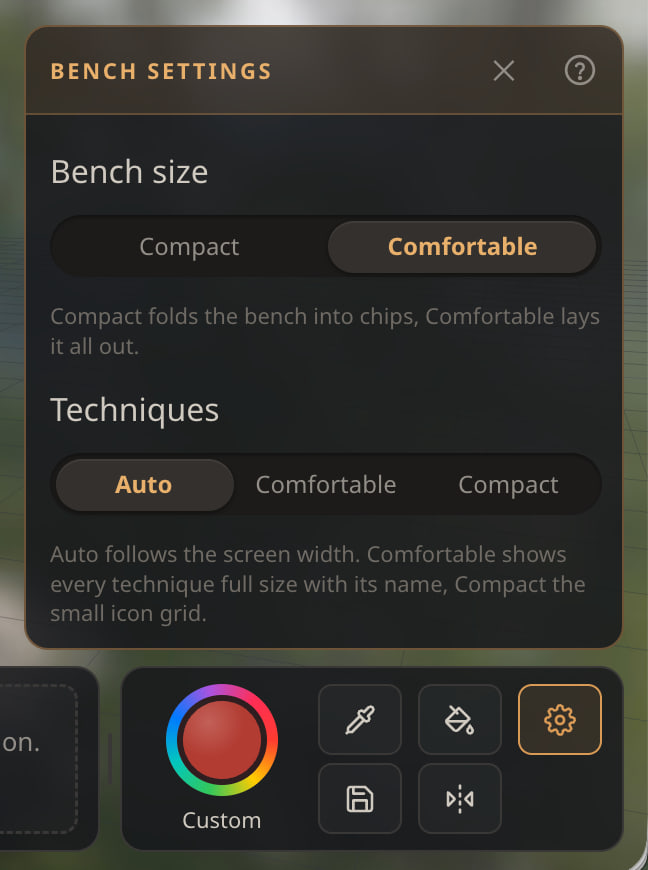
There is a new Settings button in the paint bench for setting up the bench settings (i.e. compact/comfortable, or the technique display).
Look and motion
Panels, chips and step switches ease in and out. Lighting rigs cross-fade into Print and Photo modes. Reset view glides the camera to its new position so you don't lose sense of location in your scene.
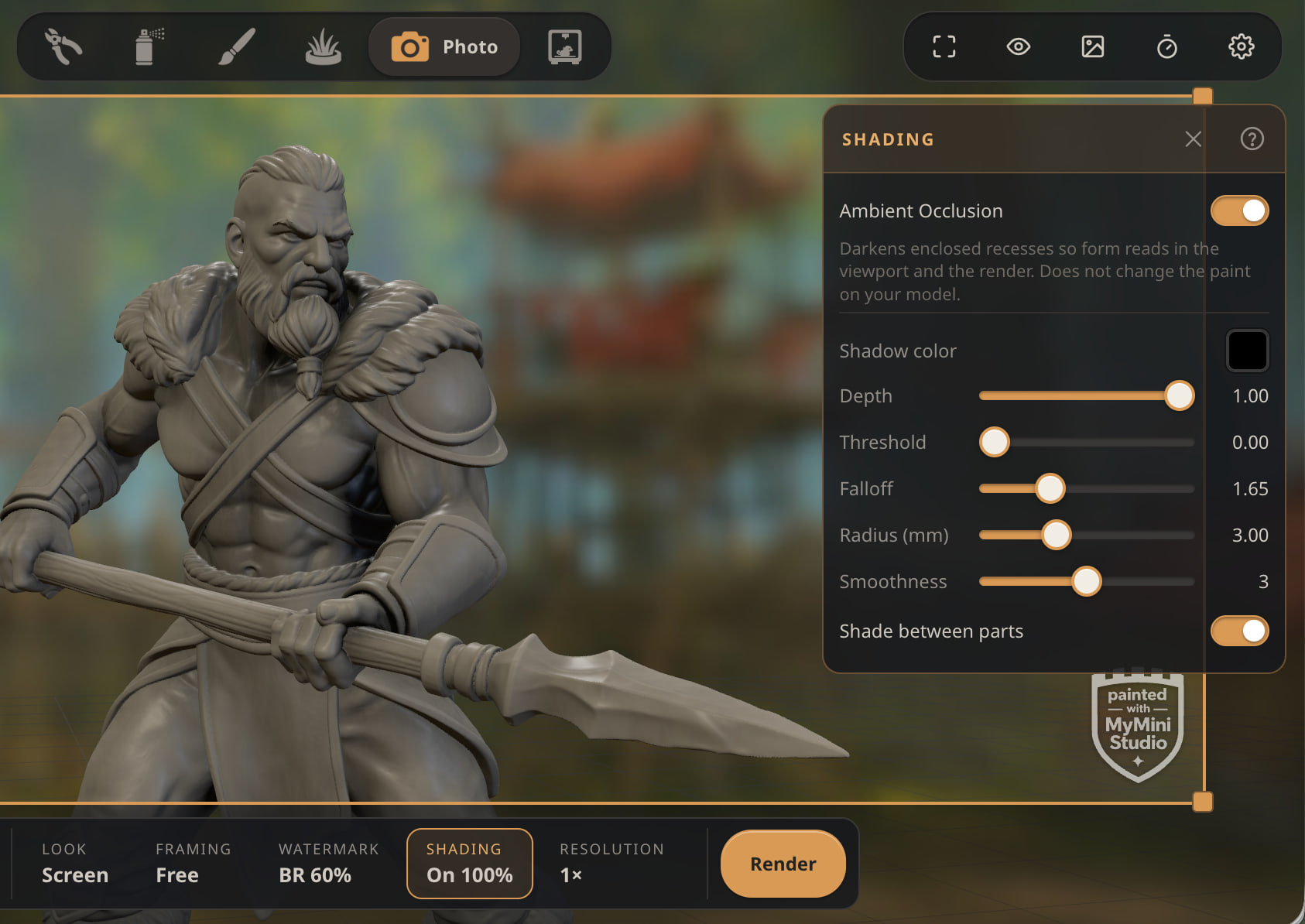
"Shading" (Ambient Occlusion) in Print and Photo mode is now generated once and saved during and between sessions. Once generated you can instantly turn it on and off and go between views. No recomputing needed any more and no reason to wait around a few seconds.
Other
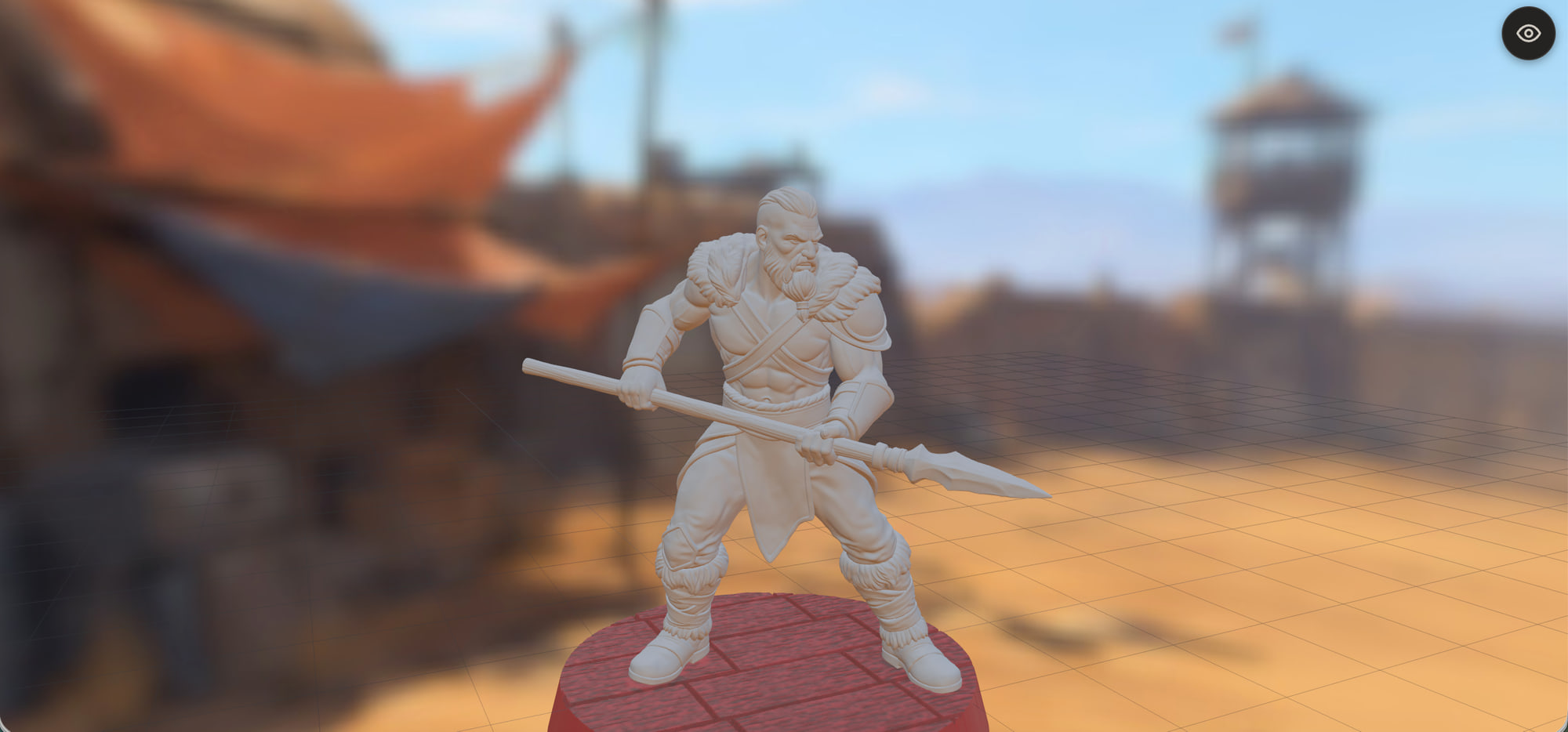
New backgrounds: Ruined Cityscape, Snowy Compound, and Mountain Camp to give you some more neutral and cool weather environments to paint in. I'd love some suggestions for backgrounds you'd like to see.
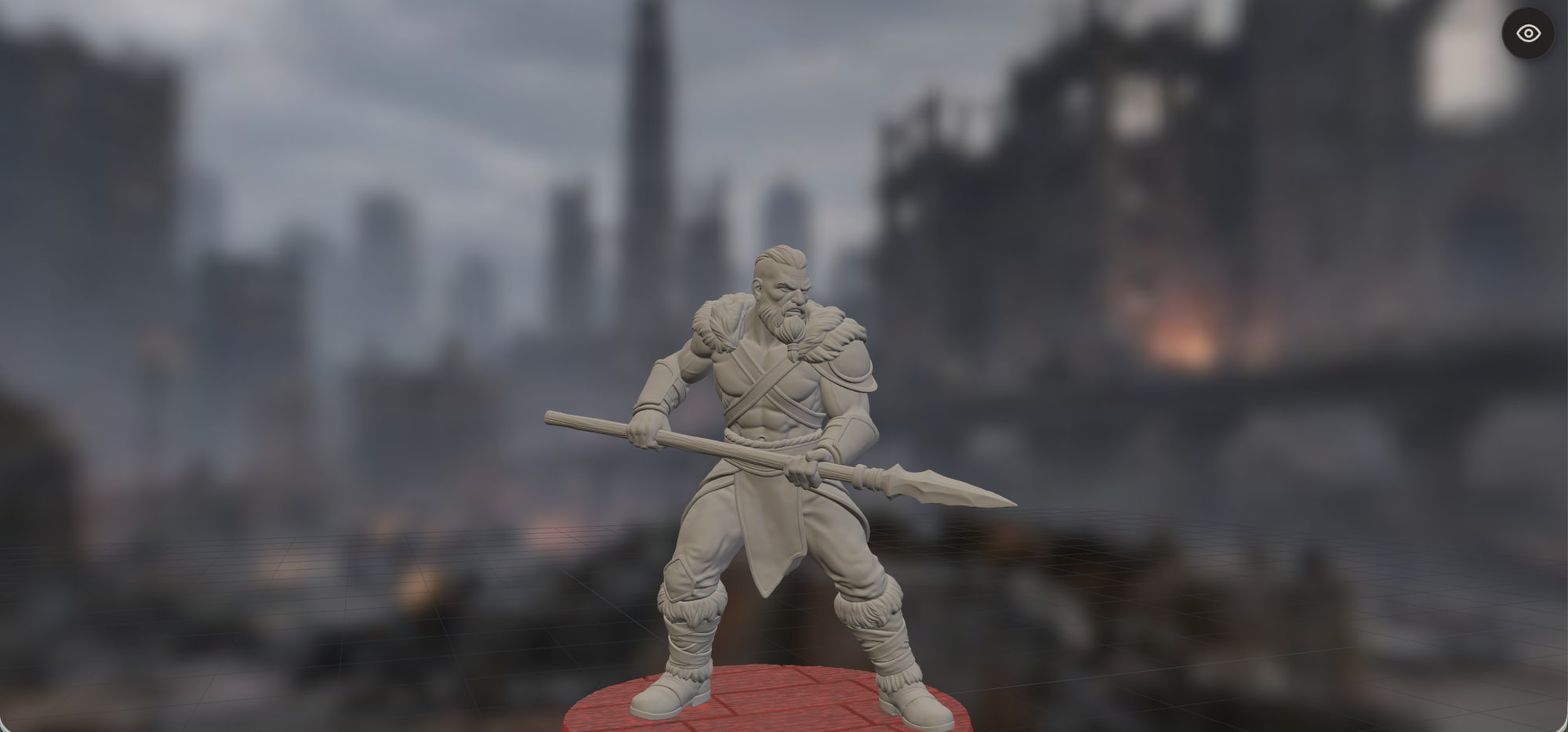
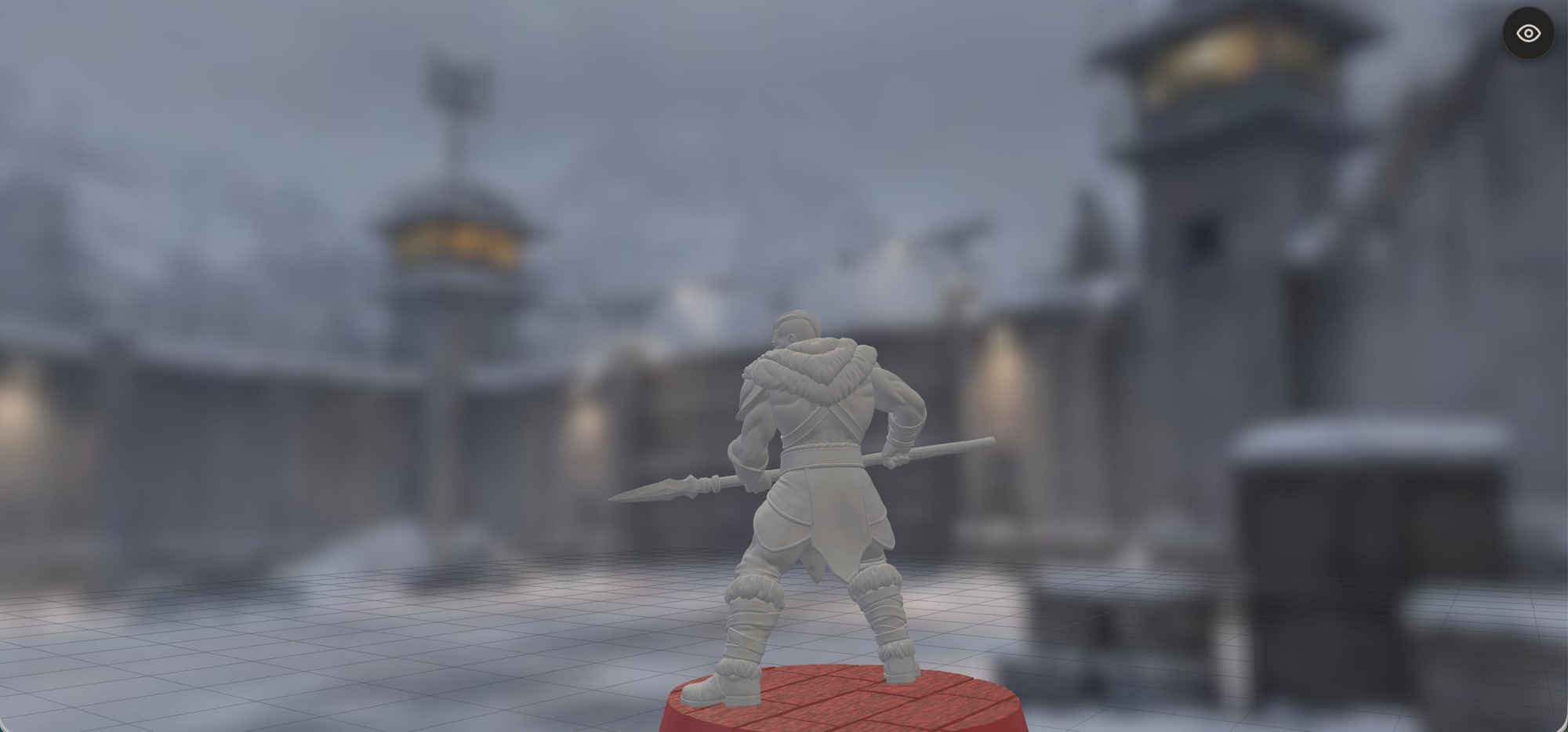
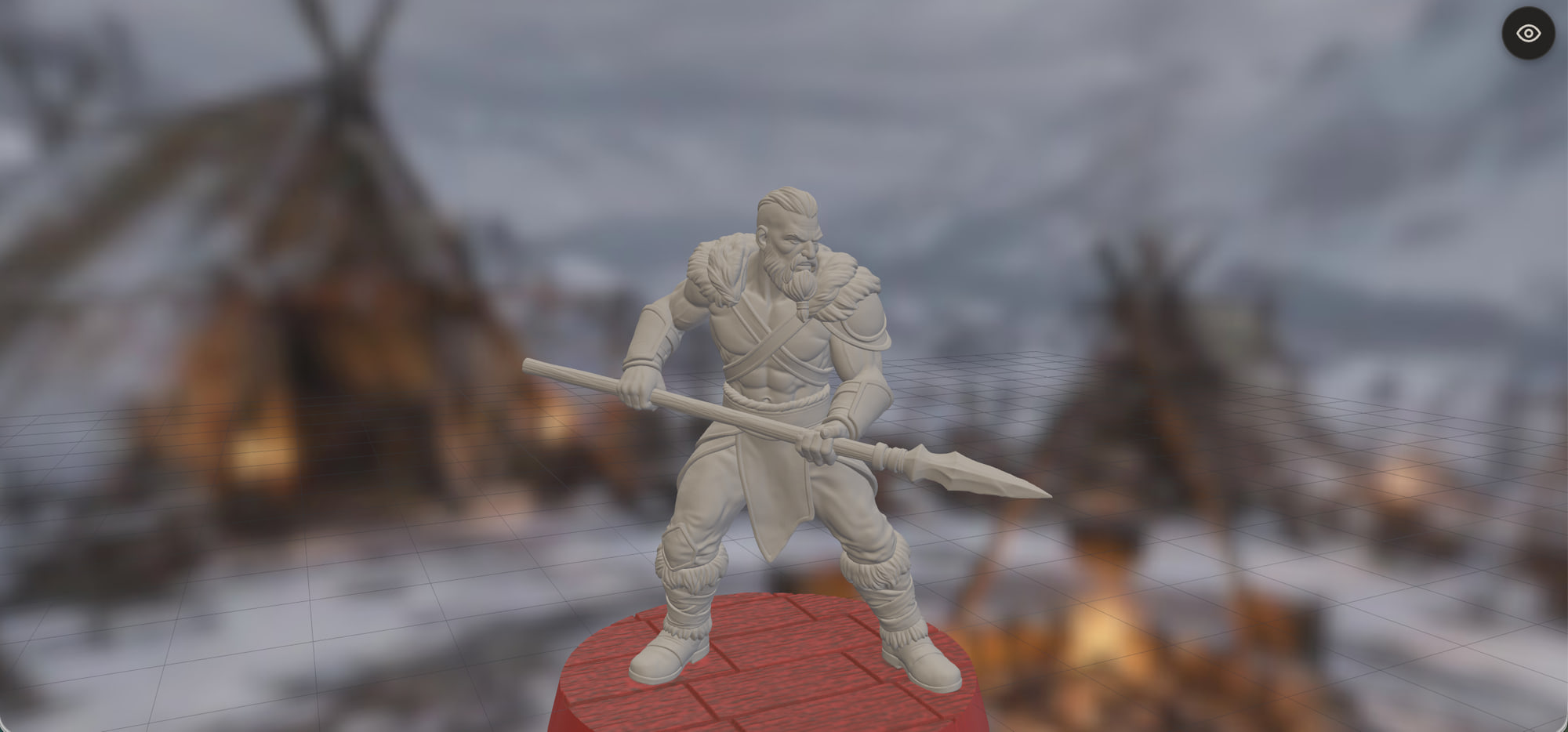
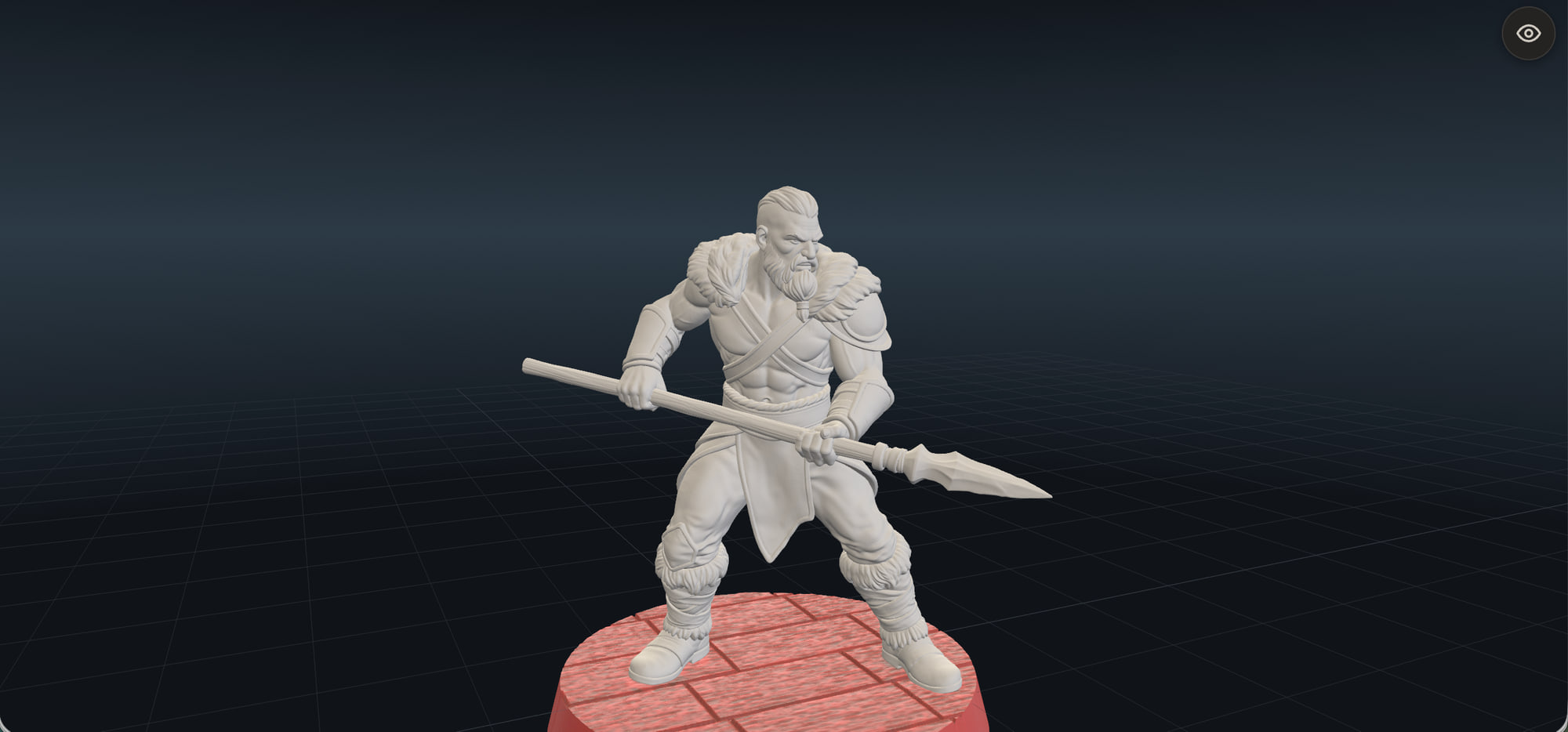
The background selector now has 2 groups of backgrounds: Neutral and Scenic. The neutral ones are the gradients that put all the focus on your model visually. Great for doing NMM painting or where you want little distraction for your eyes. This has been here all along, I'm just exposing it to be more easily accessible.
The sluggish-paint warning now waits until a part is 25% past what your device paints smoothly (on an 8GB iPad that's 3.75M triangles instead of 3M, the Display level). Some of you may have seen it more often than is necessary. It might still appear on really high polygon models you already have. Let me know if it becomes a nuisance.
More UI/UX polishing throughout to make the general workflows clearer.
Not painting with us yet? Start with the free starter minis, right in your browser.
Start Painting